A practical guide to reading and transcribing ancient and historical documents, with lessons from the Rosetta Stone to the Herculaneum scrolls and a step-by-step method you can use today.
Why old documents are harder to read than they look
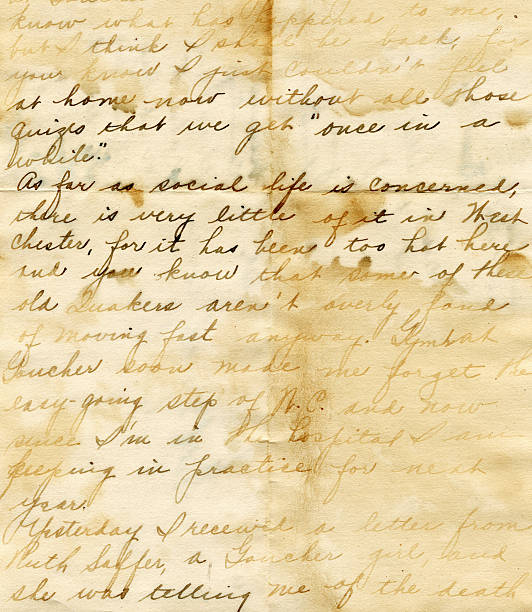
Pick up a letter written in 1750 and you will probably recognise the alphabet. You still won't be able to read half of it. The long "s" looks like an "f". Words run into each other. One small squiggle might mean "the", "that" or "which", depending on the clerk who wrote it.
Go back a thousand years and it gets harder. Go back three thousand and you may not recognise the letters at all.
That gap between holding a document and knowing what it says is where transcription lives. It is slow, careful work, and every historian, genealogist, archivist and translator has to get through it before anything else can happen. A will can't settle a family argument until someone reads it. An inscription can't be translated until someone writes down, sign by sign, what is actually carved there.
This guide covers how transcribing ancient and historical documents really works. We'll look at what transcription is, why it's so tricky, what experts learned from a few famous breakthroughs, and a step-by-step method you can follow yourself. Then we'll be honest about where AI tools help and where they don't, and show why Scripily has become our first choice for this kind of work.
Transcription, transliteration and translation are not the same thing
People mix these three words up all the time, even in museum captions. They are separate jobs, and they happen in a fixed order. You can't translate what you haven't read, and you can't read reliably until you've transcribed.
Here's how they differ, using one Greek word as the example:
Transcription writes down exactly what is on the page, in the same script: λόγος.
Transliteration moves the same word into another alphabet, letter by letter: logos.
Translation turns the meaning into another language: "word" or "reason".
Transcription itself comes in two flavours, and you should decide which one you want before you start.
Diplomatic transcription keeps everything as it is: original spelling, abbreviations, line breaks, crossings-out, even mistakes. Scholars prefer it because nothing is lost.
Normalised (or semi-diplomatic) transcription expands abbreviations, modernises some spelling and adds punctuation so the text reads easily. Family historians and general readers usually want this one.
A good habit is to make the diplomatic version first, then create a normalised copy from it. If you go straight to the "clean" version, you quietly make hundreds of small decisions that nobody can check later.
Why ancient documents are so hard to read
If old documents were just "messy handwriting", we'd all be able to read them with a bit of patience. The real problems run deeper, and they usually show up together on the same page.
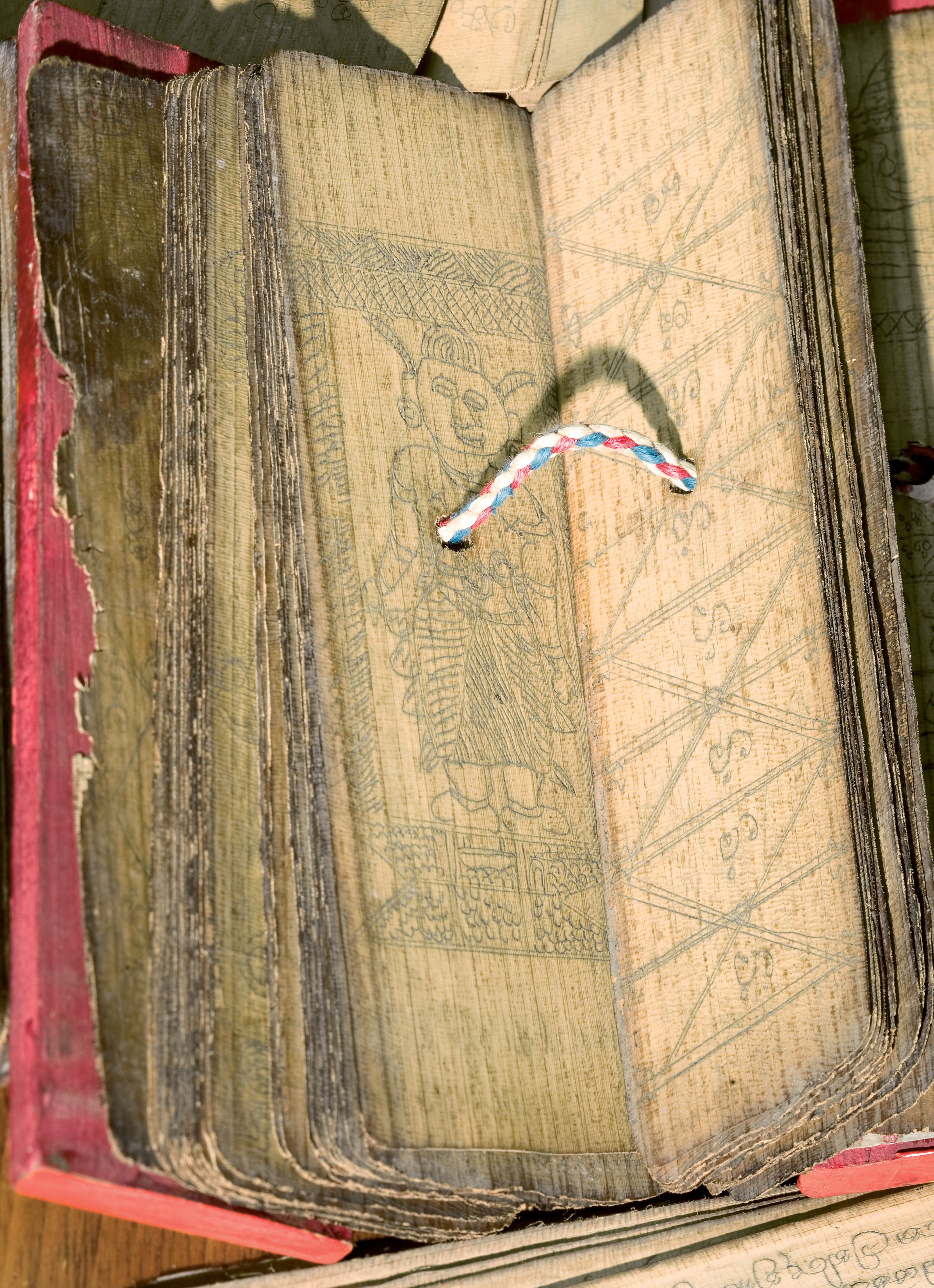
Open leaves of a Sinhala palm-leaf (ola) manuscript from Sri Lanka, tied with a cord Credit: U.S. National Library of Medicine
The script itself has changed
Letters change shape over centuries. A medieval scribe's "r" can look like a modern "z". English secretary hand from the 1500s looks almost alien to modern eyes. The long s (ſ) stayed in English printing until around 1800, which is why so many people misread "ſuccess" as "fuccess".
Further back, the problem isn't style but the whole writing system. Cuneiform, Egyptian hieroglyphs, Brahmi and early Greek scripts all need specialist training before you can tell one sign from another.
Nobody agreed on spelling
Standard spelling is a modern invention. Shakespeare spelled his own name several different ways. A single 17th-century letter might spell the same word three ways in one paragraph. When you transcribe, you record what is there, not what a dictionary says.
Abbreviations are everywhere
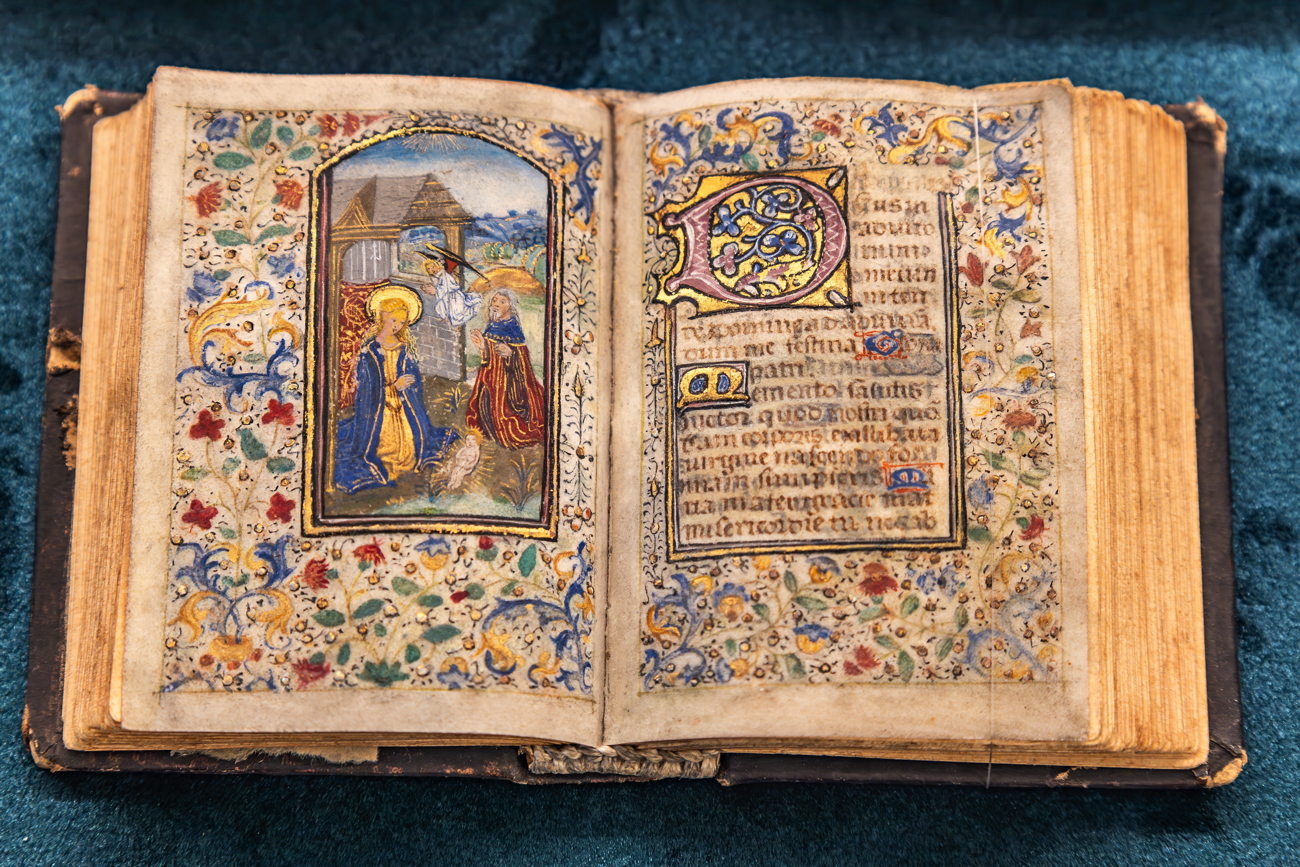
Parchment and paper were expensive, so scribes saved space. Latin manuscripts are packed with shorthand: a small line over a letter, a hook at the end of a word, a symbol that stands for a whole syllable. Even the "ye" in "Ye Olde Tea Shoppe" is a misreading. It was "the", written with an old letter called thorn (þ) that later printers swapped for a "y".
Time and damage
This is the problem everyone sees first. Iron gall ink fades to brown or eats through the paper. Water leaves tide marks. Damp brings mould and brown spots called foxing. Ink from the back of a page bleeds through to the front. Fire, insects and plain handling do the rest.
In Sri Lanka and across South and Southeast Asia, palm-leaf (ola) manuscripts add their own challenge. The text is scratched into the leaf with a stylus and darkened with soot and oil. As that blackening wears away, the letters become nearly invisible, and the leaves crack along the grain.
Text hidden under other text
Sometimes the most important writing has been scraped off and written over. These are called palimpsests. The best-known example is the Archimedes Palimpsest, a 10th-century copy of Archimedes that a monk later scraped and reused for a prayer book. Researchers recovered the lost mathematics in the 2000s using multispectral imaging, photographing the pages under different wavelengths of light.
The language has moved on
Even when you can read every letter, the words may not mean what you think. Old English, Middle French, classical Sinhala and Koine Greek all use vocabulary and grammar that modern speakers find unfamiliar. A transcriber needs enough knowledge of the language to tell a real word from a misread one.
What four famous breakthroughs teach us about transcription
The big decipherment stories are usually told as moments of genius. Look closer and each one is really a story about careful, patient transcription. Here's what they can teach anyone working on an old document today.
The Rosetta Stone: always look for a known reference
French soldiers found the Rosetta Stone in Egypt in 1799. It carries the same decree, issued in 196 BC, written three times: in hieroglyphs, in Demotic script and in ancient Greek. Because scholars could already read the Greek, they had a key.
Even so, it took Thomas Young's early work and then Jean-François Champollion's breakthrough in 1822 before hieroglyphs could be read properly. Champollion succeeded partly because he copied and compared signs obsessively, and because he knew Coptic, a late form of the Egyptian language.
The lesson: look for anything you can already read on or around your document. A printed heading, a date, a place name or a signature gives you fixed points to compare unfamiliar letters against.
Linear B: build a sign list before you guess
Linear B tablets from Crete and mainland Greece baffled scholars for half a century. The American classicist Alice Kober spent years making careful index cards of every sign and how words changed their endings. She never guessed at the language.
In 1952 an architect named Michael Ventris built on her groundwork and showed that Linear B was an early form of Greek. Kober's cards made his insight possible.
The lesson: before you try to read a difficult hand, make an alphabet chart. Copy out every version of each letter the writer uses, taken from words you're sure of. It feels slow, but it turns guessing into checking.
The Dead Sea Scrolls: fragments need a system
The first Dead Sea Scrolls were found in caves near Qumran in 1947. Most of the collection survives as thousands of small, brittle pieces. Scholars spent decades matching fragments by handwriting, ink, line spacing and even the texture of the parchment.
Today the Israel Antiquities Authority has photographed the fragments in high resolution, including infrared images that pick up ink the naked eye can't see.
The lesson: good images come first. Photograph every piece in strong, even light, number everything, and never work from a single low-quality copy.
The Herculaneum scrolls: reading what can't be opened
When Vesuvius erupted in 79 AD, it carbonised a library of papyrus scrolls in the Roman town of Herculaneum. Many can't be unrolled without crumbling. In 2023 the Vesuvius Challenge offered prizes to anyone who could read them using X-ray scans and machine learning.
In May 2025 researchers announced they had read the title inside a still-sealed scroll, PHerc. 172, held at Oxford's Bodleian Libraries. It names the work as On Vices by the philosopher Philodemus. It was the first title ever recovered from a Herculaneum scroll without opening it.
The lesson: AI and imaging can now reveal text that was invisible for 2,000 years. But every reading was still checked by a team of human papyrologists before it was accepted. The machine finds the letters; experts confirm what they say.
How to transcribe an ancient or historical document, step by step
Whether you're working on a Latin charter, a great-grandmother's letter or a palm-leaf text, the method is roughly the same. Archivists have used versions of this process for generations.
Capture a good image first. Scan or photograph at 300 to 600 DPI. Use soft, even light from two sides and avoid flash, which bounces off old paper. For scratched or carved text, such as ola leaves or inscriptions, try low-angle "raking" light so the grooves cast small shadows. Shoot both sides of every page, and put a ruler or colour card in one frame for scale.
Work out what you're looking at. Note the rough date, place, language and type of document. A will, a land deed and a church register all follow set formulas. Once you know the formula, you can often predict the next phrase, which makes unclear words much easier.
Pick your conventions and write them down. Decide whether you want a diplomatic or normalised transcription. Choose how you'll mark uncertain words, gaps and insertions (see the table below), and stick to it across the whole project.
Do a first pass with only what you're sure of. Go line by line and keep the original line breaks. Leave gaps for anything you can't read yet. Don't force a guess at this stage.
Build an alphabet chart from the writer's own hand. Take letters from words you already know, such as names, dates and common words like "the" or "and". Collect every form of each letter. You'll quickly see that a mystery shape is just this writer's version of "e" or "d".
Go back for the hard words. Compare them against your chart. Look for the same word elsewhere in the document. Try reading phrases aloud, because old spelling often followed sound. Context does a lot of the work here.
Check against reference sources. Use dictionaries for the period, lists of local place names and family names, and palaeography guides. The UK National Archives offers a free online palaeography tutorial, and Cappelli's dictionary of Latin abbreviations is still the standard reference.
Proofread against the image, word by word. Do it the next day with fresh eyes, or better, ask someone else. Read the image and the transcription side by side, not your transcription on its own.
Save and label everything together. Keep the image, the transcription, your notes and your conventions in one place. Record where the original is held and its reference number, so anyone can check your work later.
Common editorial marks
These marks vary slightly between projects, but most transcribers use something close to this:
[ ] marks letters you add yourself, such as an expanded abbreviation. "Willm" becomes Will[ia]m.
[illegible] marks a word or passage that can't be read, as in "paid to [illegible]".
[?] goes after a reading you're unsure of, as in "Colombo[?]".
[deleted: ...] shows words the writer crossed out, as in "[deleted: twenty] thirty". Some editors use strikethrough instead.
^ ^ surrounds words the writer added above the line, as in "the ^said^ land".
| marks the end of a line in the original, as in "of the parish | of".
Manual transcription vs AI tools: an honest comparison
The best results today come from AI doing the first draft and a human checking it. Neither one on its own is the ideal answer for most projects.
Traditional OCR, the kind built into phone apps and office scanners, was designed for clean modern print. Point it at a 300-year-old letter and you'll get nonsense. Handwritten text recognition (HTR) is different. It's trained on real handwriting, so it can learn the loops, ligatures and shortcuts that confuse normal OCR.
Here's how the main options compare:
Manual transcription is best for short, very damaged or very rare texts, and for scholarly editions. The downside is speed: one difficult page can take hours.
Generic OCR apps handle modern printed pages well. They stumble on old typefaces, the long s, any kind of handwriting and faded ink.
HTR tools you train yourself work well on large archives written in one consistent hand. The catch is setup, because you need dozens of hand-transcribed pages before they perform well.
Specialist historical document AI suits mixed collections of old print and handwriting, including damaged pages. You still need a human to check names, numbers and unclear passages.
The goal isn't to replace the expert. It's to stop the expert spending eight hours typing out what a machine could draft in under a minute, so they can spend their time on the parts that need real judgement.
Why we recommend Scripily for transcribing old documents
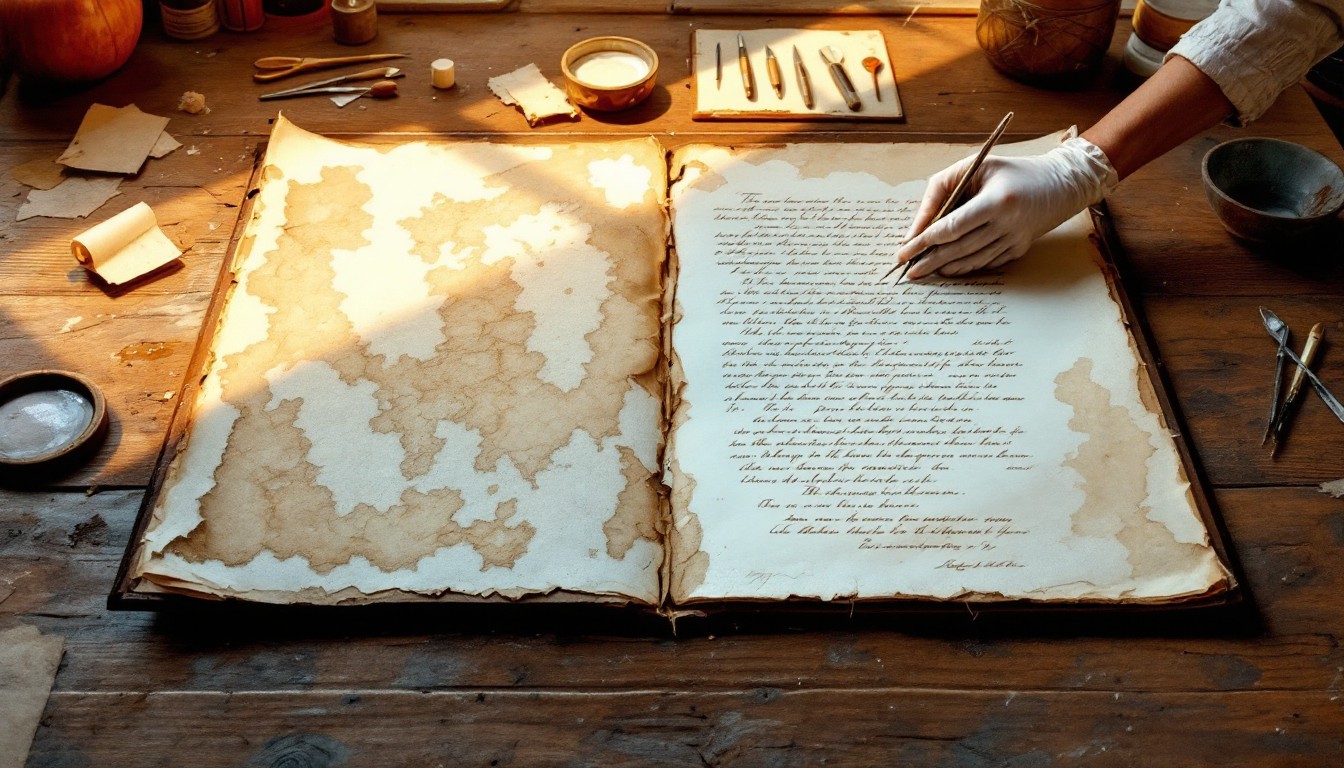
If you want one platform that handles the whole job, from cleaning up a faded scan to giving you editable text, Scripily is the tool we'd point you to first. It was built specifically for historical material, not adapted from a general office scanner, and that difference shows the moment you upload a difficult page.
.png?alt=media&token=2fc9ccb0-0247-4a8d-b338-30921ace4c9b)
Before document restored
.png?alt=media&token=c7e387df-8d71-46a5-8d3f-496661cafdc3)
After document restored
It cleans the page before it reads it
Most transcription tools take your image as it is. Scripily starts with restoration. It can strengthen faded ink, reduce bleed-through from the other side of the page, and clean up stains, foxing, creases and shadows. Better input means a better reading, and you also end up with a cleaner image to keep.
It's trained on old scripts, not just modern text
Scripily is built to recognise historical typefaces, old handwriting styles and archaic spelling. It supports more than 200 languages, including Latin, Ancient Greek, Old English, Hebrew, Arabic, Cyrillic and Classical Chinese. It can also detect the script and language automatically, which helps with mixed or multilingual documents.
The numbers are strong, and honest
On printed historical text, Scripily reports 98.1% accuracy. With handwriting, it's upfront that results depend on how legible the hand and the scan are. Instead of hiding uncertain words, it shows confidence scores and marks unclear passages so you know exactly where to look. That's exactly how a careful human transcriber works.
It keeps the structure of the original
Line breaks, layout and even notes in the margin are preserved. For anyone who wants a diplomatic transcription, this matters a lot. Tables and forms, such as census pages or account books, can be pulled out as structured data.
It's built for proper checking and teamwork
The results open in an editor where you can review and correct the text side by side with the image. Team plans add a shared workspace, so a group of researchers or volunteers can work on the same collection. When you're done, you can export to TXT, PDF, DOCX or XML.
It suits individuals and institutions alike
There's a free plan to try it, with no credit card needed. Paid plans scale from solo researchers up to large archive projects, and there's an API for institutions that want to plug it into their own systems.
Using Scripily with the method above
Scripily slots straight into the step-by-step process from earlier in this guide:
Capture your image at 300 DPI or higher. Scripily accepts JPEG, PNG, TIFF and PDF files up to 20 MB each.
Upload it and let Scripily restore and enhance the page.
Let the AI produce a first draft. It detects the script and language, then transcribes the page with line breaks intact.
Review the flagged words using the confidence scores. Use your own alphabet chart and knowledge of the document here.
Proofread and export in the format you need, and save it alongside your original image.
The AI handles the slow typing. You keep control over every judgement call. For most people working with old documents, that's the right balance.
Try Scripily free and see how it handles your own documents.
Seven mistakes that ruin a transcription
Most errors in old-document transcription come from habits, not from a lack of skill. These are the ones we see most often.
"Correcting" the writer's spelling. If the clerk wrote "recieved", your diplomatic transcription says "recieved". Fix it in the normalised copy if you must, never in the original record.
Guessing names. Names are the hardest words to read and the most important to get right, especially for family history. If you're not certain, mark it with [?] and note the possible readings.
Working from a poor image. A blurry phone photo taken under a yellow lamp will cost you hours. Retake it before you start.
Ignoring the margins and the back. Dates, signatures, later notes and filing marks often hide there, and they can change how you read the main text.
Losing the line breaks. Once you run the text together, it becomes very hard for anyone to check your reading against the original.
Trusting any tool blindly. AI is a fast first-draft writer, not a final authority. Always check numbers, dates and names against the image.
Not recording your choices. Six months later you won't remember why you wrote "Jno" as "John". Keep a short note of your conventions with every project.
Frequently asked questions
How long does it take to transcribe one page of an old document?
By hand, a clear 19th-century letter might take 20 to 30 minutes. A faded medieval charter or a page of dense legal Latin can take several hours. With an AI platform like Scripily, the first draft of a page usually arrives in under a minute, and your time goes into checking rather than typing.
Can AI really read ancient handwriting?
Yes, and it's improving fast. Projects like the Vesuvius Challenge have shown AI reading text that no human had seen for 2,000 years. For everyday historical documents, specialist tools now give a strong first draft. You should still check the result, especially names, numbers and badly damaged sections.
What is the difference between OCR and HTR?
OCR (optical character recognition) was built to read printed text. HTR (handwritten text recognition) is trained on handwriting, so it copes with joined-up letters, personal styles and abbreviations. For old documents you usually need both, which is why platforms like Scripily combine them.
What resolution should I scan old documents at?
Aim for 300 DPI as a minimum and 600 DPI for small, faint or detailed writing. Save a master copy as TIFF or high-quality JPEG, and don't crop away the edges of the page.
Do I need to know the language to transcribe a document?
Not to start, but it helps a great deal. You can transcribe letter by letter without understanding the words. However, knowing the language lets you spot misreadings and expand abbreviations correctly. AI tools reduce this barrier, but a final check by someone who knows the language is always worth it.
Can I transcribe documents that aren't in English?
Yes. Scripily supports more than 200 languages, including historical languages such as Latin, Ancient Greek and Old English, and scripts such as Arabic, Hebrew and Cyrillic.
Is transcription the same as translation?
No. Transcription records the words in their original language and script. Translation turns the meaning into another language. Transcription always comes first.
Final thoughts
Every old document is a message someone sent into the future without knowing who would read it. A tax roll, a love letter, a temple record or a land deed only becomes useful again once someone sits down and works out exactly what it says.
The core skills haven't changed since Champollion and Kober: good images, careful comparison, honest notes and patient checking. What has changed is the speed. AI can now take on the slow first draft, which leaves you free to do the thinking.
If you have a box of old family papers, an archive waiting to be digitised or a manuscript you've never been able to read, start with a single page. Upload it to Scripily, see what comes back, and check it against the original. You might be surprised how much of the past is suddenly readable again.
Ready to start? Create your free Scripily account and transcribe your first historical document today.